
ProdRoads documentation
Team setup
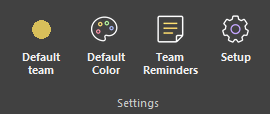
Open Setup > Team Tag Setup to manage the teams stored in the current workspace.
Each team has a name and color. Add rows to create teams, edit existing values directly, or use the delete control to remove a team.
Removing a team also removes that team assignment from roadmap blocks. Blocks can remain valid without a team and display a black team circle with a question mark.
Teams inherited from an external file are protected and cannot be removed from the main file.
- Open Setup > Team Tag Setup.
- Add or edit team names and colors.
- Remove obsolete local teams when needed.
- Confirm to update the current roadmap.
Where to find it
See it in action
The example below opens Team Tag Setup from Setup, then creates and edits teams and their colors.
Warning
Removing a local team also removes that assignment from its roadmap blocks. The blocks themselves remain in the file.