
ProdRoads documentation
People setup
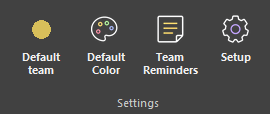
Open Setup > Devs List to manage people by team.
Choose a team, then add each person’s first name, last name, and optional portrait. Imported portraits are resized and embedded into project or workspace files when required.
People appear in Per People and Time Summary. Each person keeps at least one roadmap line, while additional lines are created when overlapping assignments require them.
People inherited from external files are visible but protected from deletion.
- Open Setup > Devs List.
- Select the person's team.
- Add their first and last name.
- Add an optional portrait and confirm.
Where to find it
See it in action
The example below opens Devs List, adds people to teams, and confirms the changes. The new people appear immediately in Per People.
Portraits
Use a clear head-and-shoulders image. ProdRoads resizes and embeds it so the roadmap remains portable.