
ProdRoads documentation
Block colors
Select one or more blocks, right-click, and choose Set Color.
Choose a fixed color from the palette or use Same as team to derive the block color from its assigned team. The current selection is marked with a white check.
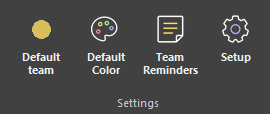
The ribbon’s Default Color setting controls the starting color of newly created blocks. Unavailable blocks use their dedicated hatch pattern and cannot be recolored.
Where to find it
| Choice | Result |
|---|---|
| Fixed color | Keeps the selected palette color |
| Same as team | Follows the assigned team color |
| Default Color | Sets the starting color for new blocks |
See it in action
The example below changes the color of selected blocks and shows the result directly on the roadmap.
Unavailable blocks
Unavailable periods use a dedicated hatch pattern. Their color cannot be edited until they are made available again.