
ProdRoads documentation
External files
External files let one roadmap reference another roadmap.
This is useful when several teams maintain separate files but still need to understand how their work connects.
How it works
External files are displayed in a read-only area.
The lateral timeline stays synchronized so dates remain aligned between files.
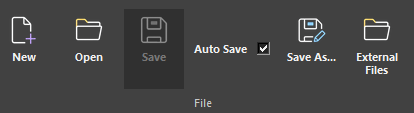
Where to find it
See it in action
The example below adds an external .pr file and displays its roadmap beneath the main file in a separate read-only area.
Why it matters
External files help teams keep ownership of their own roadmap while still making cross-team planning visible.
Tip
You can reference multiple external files. Their lines are displayed together in the lower area while the main roadmap remains visible above.