
ProdRoads documentation
Line height
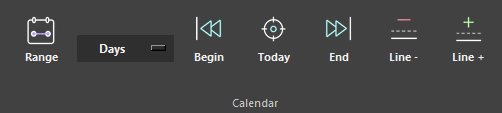
Use Line - and Line + in the Calendar section to adjust line height.
Smaller lines display more work at once. Larger lines provide more room for names, portraits, and dense roadmap blocks.
Per Topic and Per People keep their own line-height settings. Portraits grow with the first two height levels, then stop increasing so names remain readable.
Where to find it
See it in action
The example below shows how line height changes while keeping the roadmap readable.
Keyboard shortcut
+ increase - reduce
Tip
Use compact lines for overview work and larger lines when names, portraits, or dense block labels need more room.