
ProdRoads documentation
Roadmap views
ProdRoads provides three views of the same roadmap data.
| View | Main question |
|---|---|
| Per Topic | What work is planned and when? |
| Per People | Who is assigned to the work? |
| Time Summary | How much availability remains? |
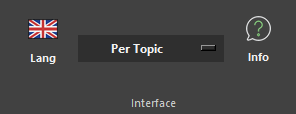
Choose a view from the Interface menu. Tab switches between Per Topic and Per People. When used from Time Summary, Tab returns to Per People.
Where to find it
See it in action
The example below switches between Per Topic, Per People, and Time Summary while keeping the same roadmap data.
Switch Topic and People
Tab